Calculating nutritional values from the bill of materials
Eclarion calculates the nutritional values of your end product automatically from the bill of materials. Based on the nutritional values per 100g of each ingredient and the weight percentage, Eclarion calculates the mandatory nutritional values (energy, fat, saturated fat, carbohydrates, sugars, protein and salt) and any additional nutrients.
1. Calculate
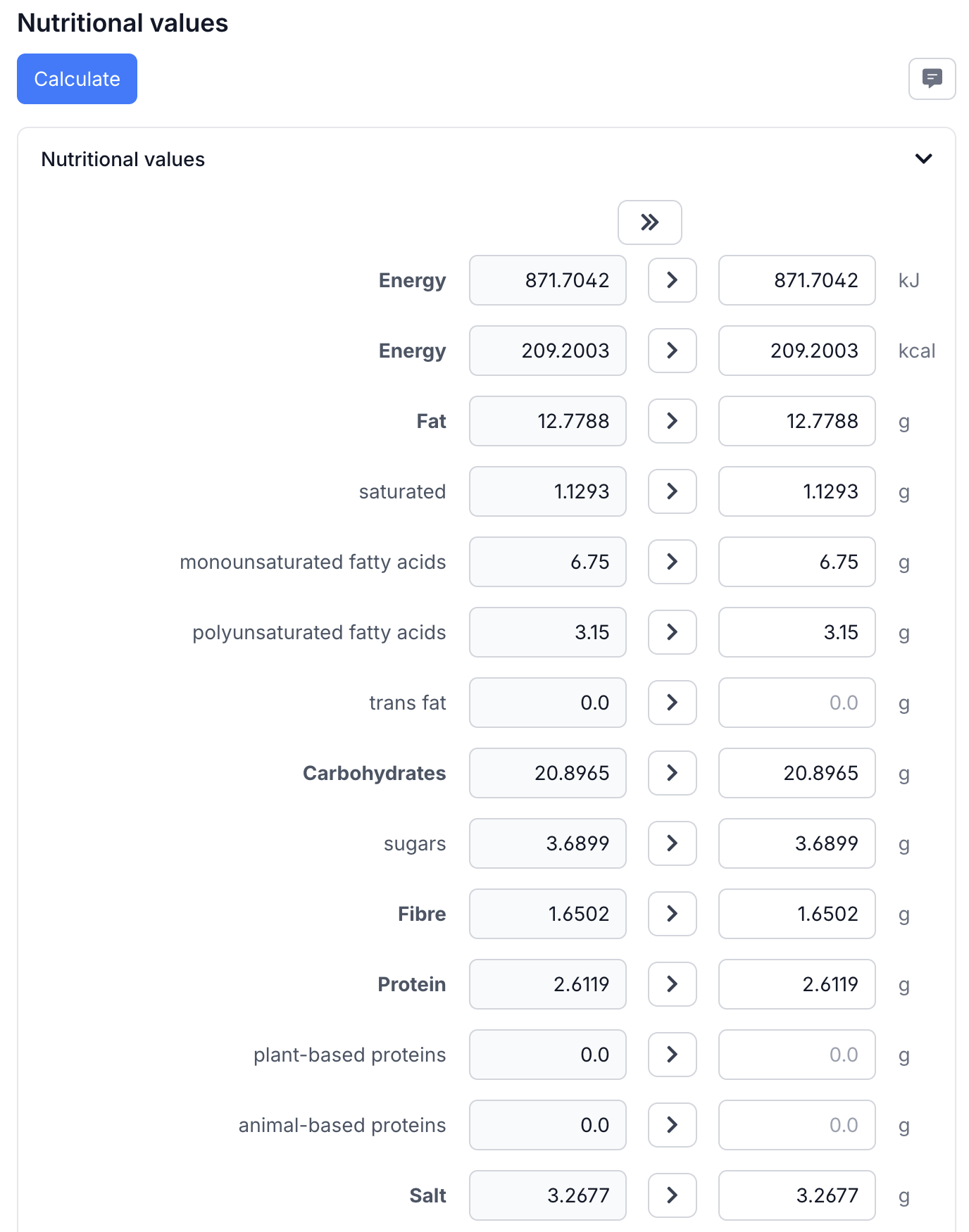
Open your recipe and go to the Nutritional values tab. The grey column shows the calculated values from the bill of materials. Copy them using the copy all button (») or per nutrient with the copy button (>).
2. Rounding rules
Eclarion automatically applies the EU rounding rules (EU 1169/2011 Annex VIII) when generating the product specification. You don't need to worry about the correct number of decimals — Eclarion handles it.
3. Processing loss
Is your product baked, dried or fried? Nutritional values change due to moisture or fat loss. Eclarion can account for this — enter the weight before and after processing and Eclarion adjusts the nutritional values accordingly.
Tip: nutritional values are always entered and calculated per 100 grams. Eclarion automatically converts to portion size and RI% on the specification.
Next step
Nutritional values look good? Then you can build the ingredient declaration.